Scan to text without an app. Upload a scanned image or a photo of a page and download plain text.
or drop, paste, or choose from cloud





Scan to text is the job of getting words out of a picture. A scan is an image, so the text inside it is made of pixels. Nothing can be highlighted, searched or pasted anywhere until something has read the page and written those pixels out as real characters.
What is OCR? Optical character recognition is used to identify letters, numbers, or special characters in a scanned document or image. Using an OCR converter, you can extract the text from such files so you can change, edit, print, or save it.
What comes back is a plain text file. It carries the words and the line breaks and leaves the layout of the page behind. That is the right trade when you want the content rather than a copy of the paper: a quote to paste, a number to look up, a paragraph to rewrite.
Several scans can go in at once. Each image is converted on its own and comes back as its own text file, with the same language setting applied to all of them.
You do not need a flatbed scanner to scan text. A photo of a page is an image, and the converter reads it the same way it reads a scan from an office machine. This is how most people scan a document now, on an iPhone or an Android phone, standing over a desk.
Sharpness matters more than the camera. Lay the page flat, fill the frame with it, shoot straight down rather than at an angle, and keep your own shadow off the paper. A page photographed that way converts about as well as a flatbed scan.
One thing to check first: phone scanning apps often save a page as a PDF rather than as a picture. This app takes images. If you have a PDF, the <a class="font-medium text-blue-600 hover:text-blue-700 dark:text-blue-400 dark:hover:text-blue-300" href="https://www.ocr2edit.com/scanned-pdf-to-text">scanned PDF to text app</a> is the one to use.
The .txt file extension is used for plain text files. These files contain lines of text and can be opened in many text editors on different platforms and devices. The text does not contain any formatting.
For text recovered from a scan that is an advantage rather than a limitation. A text file weighs almost nothing, opens on a phone as readily as on a laptop, and can be pasted into an email, a spreadsheet or a document without dragging the styling of the original page along with it.
File extension: .txt, MIME type: text/plain
TXT on WikipediaRecognition quality follows the quality of the scan. Here is what to expect from the files people upload most, including the cases this app cannot rescue.
| What you upload | Where it comes from | How well it converts |
|---|---|---|
| Sharp, straight scan | An office scanner or an all-in-one printer | Very well. This is the easiest case for any text recognition. |
| Photo of a page | A phone camera | Well, as long as the page is flat, fills the frame and has no shadow across it. |
| A stack of scans | A folder of image files | Each file is converted on its own and returns its own text file. |
| Crooked or tilted page | Paper fed in at an angle | Poorly. Square the page and scan it again, because this app does not rotate or straighten it for you. |
| Faint or low-resolution scan | An old copy or a very small image | Unevenly. Characters drop out. Scan again at 300 dpi where you can. |
The text recognition reads 124 document languages. Select the language of the text in your file before you start; English is already selected, so an English page needs no change at all.
The converter runs in the browser, so the route from paper to text is the same on a desk and on a phone.
Save the scan as a JPG, PNG or TIFF, drop it in above and download the words as a text file. There is nothing to install and no account to create.
Photograph the page instead of scanning it. Open this page on the phone, upload the picture straight from the camera roll and the same text recognition runs on it.
The app stores are full of text scanner downloads. This one is a web page. It asks for no permissions, needs no install and reads the same 124 languages on a phone as on a laptop.
A scan is usually a document you would not hand to a stranger: a payslip, a contract, an ID. This is exactly how yours is handled.
The upload and the download both run over an encrypted connection, and the link to your finished text is generated at random, so it cannot be guessed.
Text recognition is fully automated. Nobody reads, views or copies your scans, nothing is monitored, and your files are never used to train AI models.
Conversion happens on servers located in Europe, under a data processing agreement, and you keep the copyright to the scan and to the text that comes out of it.
Upload your scanned image.
Select your text language for better results. (optional)
Start the conversion and download the text after a short wait.
Yes. Converting a scan to text is free, needs no account and costs no credits. Upload the image, press Start and download the text file. A plan only matters for very large files and longer batches.
Upload the scan above, select the language of the text, then press Start. The converter reads the page and returns a plain text file you can open, search and edit in any text editor. There is nothing to install.
Yes. A photo of a page is an image, so it converts the same way a scan does. Lay the page flat, fill the frame and keep a shadow off the text. If your phone saved the page as a PDF instead of a picture, use the scanned PDF to text app for it.
No. A text scanner app is one way to read a page and this converter is another. It runs in the browser on a phone or a computer, needs no download and no sign-up, and reads the same 124 document languages either way.
Any common image, including JPG, PNG, TIF, BMP, GIF and WEBP. The app accepts images only. To pull the text out of a PDF instead, use the PDF to text app.
124 document languages, from English, Spanish and Indonesian to Arabic, Hindi, Japanese and Korean. Pick the one that matches the text in your scan. English is preselected, so an English page needs no change.
Partly, and the result will be uneven. This app does not rotate, straighten or clean up a page, so a tilted or washed-out scan loses characters. Square the paper on the glass, scan again at 300 dpi and the same file usually converts cleanly.
They travel over an encrypted connection and are processed automatically on servers in Europe. Nobody reads or copies them, they are not used to train AI models, and the download link is random, so it cannot be guessed. You keep the rights to the file and to the text.
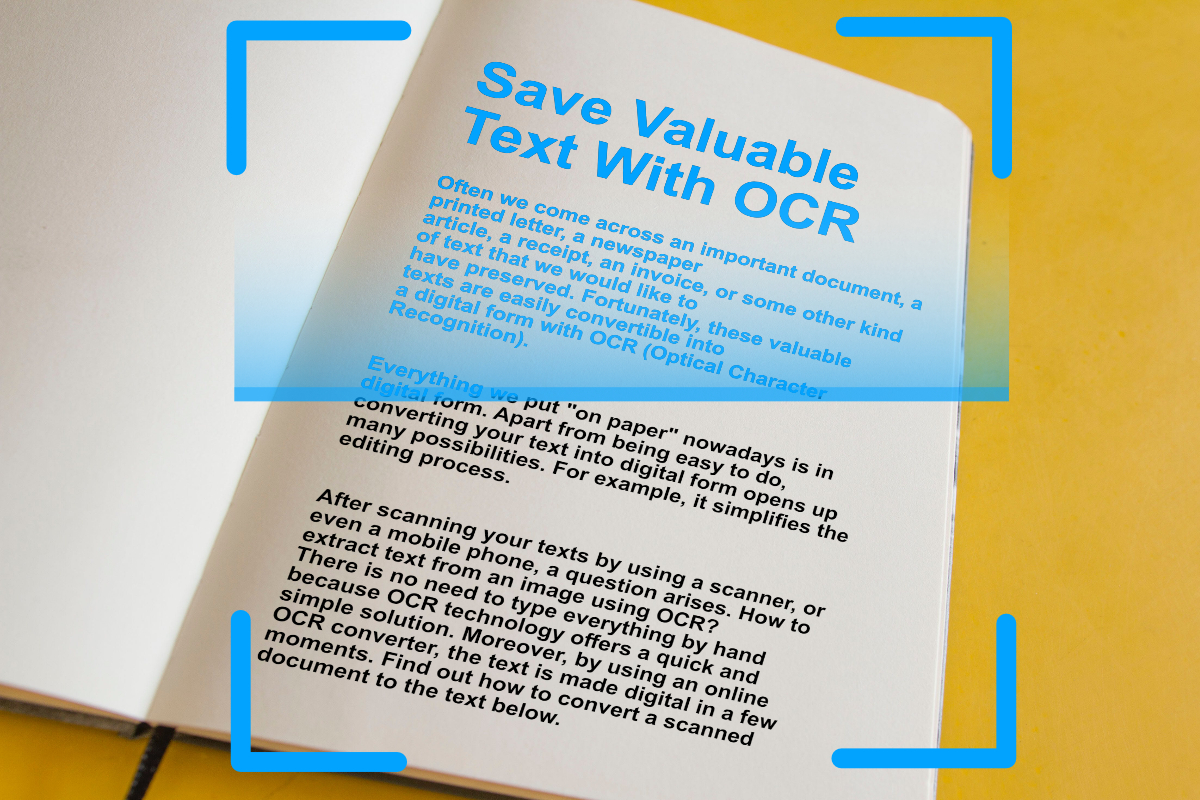
Digitize important text from scanned documents and images with OCR (Optical Character Recognition). Extract text from images easily, online.
Read articleEvery one of these runs in the browser, with the same text recognition behind it and nothing to install.