Convert your PDF documents into editable PowerPoint presentations
or drop, paste, or choose from cloud





The app accepts one input format, and that is PDF. Upload a PDF document and it comes back as a PowerPoint file.
Its Office siblings work differently. The Word and Excel apps on this site also read photos and screenshots. This one does not, so a JPG or a PNG will not start a conversion here. If your pages only exist as pictures, convert them to PDF first and bring that PDF back to this page.
You can add several PDFs at once. Each one is converted on its own and comes back as its own presentation, and a document that splits into parts can return more than one file.
Use OCR to convert PDF to PowerPoint online for free. Extract text and use it in your presentations.
It is a choice, not a default. The Conversion Method setting starts on Convert, which is the right option for a PDF whose text you can already select. Switch it to Convert with OCR when the pages are scans or photographs.
Optical character recognition reads the characters off the page and writes them back as text. Without it a scanned page arrives in the presentation as a picture, and nothing on that slide can be edited.
Once OCR is on, an OCR Language list appears next to it. It offers 124 source languages, and choosing the right one is what lets the recognition tell similar characters apart.
With Microsoft Office 2007, the .PPTX file format was introduced in addition to the .PPT format. Both store presentation content such as text, images, graphics, audio, animation, slide transitions, and more.
PPT is a binary file format. PPTX, on the other hand, uses the Open XML standard and ZIP compression. This makes PPTX easier to use, improves data management, and supports better file recovery.
File extensions: .pptx and .ppt. MIME type: application/vnd.openxmlformats-officedocument.presentationml.presentation
Three settings sit next to the uploader. The defaults handle an ordinary document, and only the conversion method usually needs your attention.
| Setting | What it does | When to change it |
|---|---|---|
| Output Format | Chooses between the two presentation formats: PowerPoint 2007-2013 (*.pptx) and PowerPoint 2003 or older (*.ppt). | Leave it on the PPTX option. Pick PPT only when the file has to open in a very old copy of PowerPoint. |
| Conversion Method | Decides whether text recognition runs. Convert leaves the pages as they are. Convert with OCR reads the text on them first. | Set it to Convert with OCR whenever the document is a scan or a photograph of a page. |
| OCR Language | Tells the text recognition which alphabet and vocabulary to expect. 124 languages are available. | Set it to the language the document is written in. The list only appears once OCR is on. |
PDF is the only format the uploader takes here, and the free upload limit is 100 MB with no account needed. A conversion that returns nothing usually points at the source: a password protected or damaged PDF cannot be read.
The PDFs people convert are often contracts, invoices or private correspondence. Here is exactly how yours are handled.
Every upload and download runs over an encrypted connection, so your files cannot be read in transit.
Stored on servers with full-disk encryption, and backups are encrypted too.
Text recognition is fully automated. Nobody reads your scans or documents, and nothing is shared with third parties.
Upload your PDF file above.
Choose the PowerPoint format you need from the dropdown menu.
Set the conversion method to Convert with OCR if the PDF is a scan. Leave it on Convert if the text is already selectable.
Optional: Improve OCR by selecting the source language.
Click "Start".
PDF documents, and nothing else. This app accepts no images at all, unlike the Word and Excel apps on this site, which also read photos and screenshots. Convert a picture to PDF first if you need what is on it in a presentation.
Choose PPTX. It is the current format, and Microsoft PowerPoint, Google Slides, LibreOffice Impress, and Keynote all open it. Choose PPT only when the file has to open in PowerPoint 2003 or older.
No, you decide. The Conversion Method setting starts on Convert, which suits a document whose text you can already select. Set it to Convert with OCR when the pages are scans, and the text on them is read and written into the slides.
124 source languages are on the list, from Arabic, Chinese, and Hindi to Polish, Turkish, and Vietnamese. Pick the one your document is written in. The list appears only after you set the conversion method to Convert with OCR.
Yes. Turning a PDF into a presentation is free, costs no credits, and needs no account. A paid plan only adds larger uploads, longer batches, and priority processing.
The usual cause is a source that cannot be read. A password protected or damaged PDF cannot be converted, and uploads are limited to 100 MB without an account. Check that the file opens normally on your own computer, then try it again.
Every upload and download runs over an encrypted connection, and files are stored on servers with full-disk encryption. The conversion is fully automated, so nobody reads your document, nothing is shared with third parties, and your files are never used to train AI models. You keep the copyright and ownership of both the PDF and the presentation.
What is OCR? Optical character recognition is used to identify letters, numbers, or special characters in a scanned document or image. Using an OCR converter, you can extract the text from such files so you can change, edit, print, or save it.
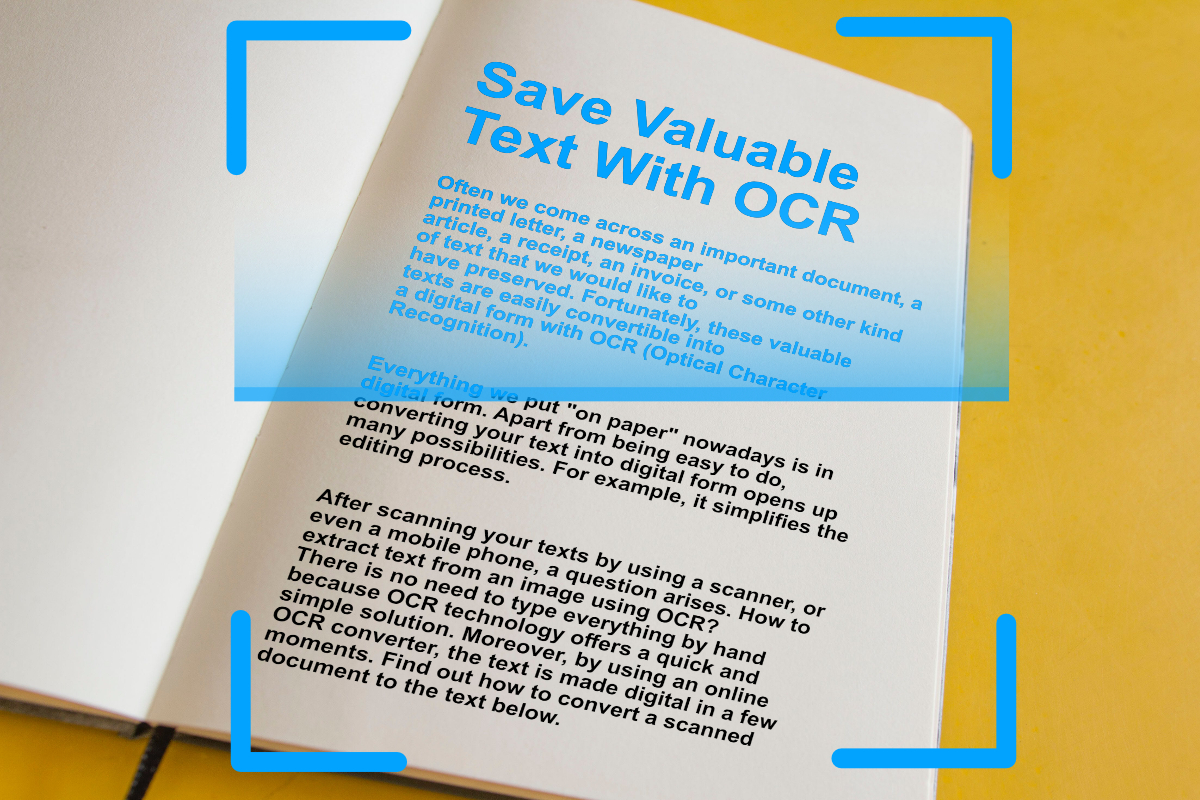
Digitize important text from scanned documents and images with OCR (Optical Character Recognition). Extract text from images easily, online.
Read article