Extract text from scanned or photographed documents.
or drop, paste, or choose from cloud





Scanned document to text means one thing: getting the words off a page that is only a picture. A scanner or a phone camera records paper as a flat image, so the letters in it are pixels rather than characters. Nothing in that file can be selected, searched or corrected until the page has been read and written out as text.
What is OCR? Optical character recognition is used to identify letters, numbers, or special characters in a scanned document or image. Using an OCR converter, you can extract the text from such files so you can change, edit, print, or save it.
What comes back is a plain text file. It holds the words and the line breaks of the document, not its page design. For most jobs that is the whole point: you wanted the wording of the letter, the figures in the form, or the paragraph you have to answer.
A scanned document to text conversion runs on more than one file at a time. Add every page of a report, or a folder of scanned letters, and each file is converted on its own and returns as its own text file. Without an account you can send 10 scans in a single upload.
One setting decides how well the recognition works, and that is the language of the document. English is already selected, so an English page needs no change at all. For anything else, pick the matching language from the list of 124 before you start.
Photographs of paper count as scans here. Open this page on a phone, upload the picture from the camera roll and the same recognition runs on it. If the phone saved the page as a PDF instead of an image, the app built for PDF scans is the better route.
Convert scanned PDF to textThe .txt file extension is used for plain text files. These files contain lines of text and can be opened in many text editors on different platforms and devices. The text does not contain any formatting.
For a document that started life on paper, plain text is the most portable thing to end up with. The file is tiny, it opens on any computer or phone without a licence, and the words drop into an email, a form or a translation tool without dragging the look of the original page along with them.
File extension: .txt, MIME type: text/plain
TXT on WikipediaText recognition can only read what the scan shows it. Here is how the documents people upload most often turn out.
| The document | How it was captured | What comes out |
|---|---|---|
| A printed page at 300 dpi | An office scanner or an all-in-one printer | Very clean. This is the easiest kind of document to read. |
| A multi-page report | One scan per page, uploaded together | Each page returns its own text file, in the order you added them. |
| A photo of a document | A phone camera held above the paper | Good, as long as the page is flat, fills the frame and carries no shadow. |
| A form or a table | Any scanner or camera | The words come out, the columns do not. Plain text has no table structure. |
| A faint, tilted or handwritten page | An old copy, a crooked feed, or a pen | Unreliable. This app does not straighten a page, and handwriting is not what the recognition is built for. |
A scanned document that reads badly is almost always a capture problem. Scanning the same page again, flat and at 300 dpi, fixes more results than any setting on this page.
These are the jobs people bring to this converter most often.
Someone sent a scan and you need the wording, not a picture of it. Convert the scanned document to text and the paragraphs are ready to paste into a reply, a form or a report.
The recognition covers 124 document languages, so a scan in Indonesian, Arabic, Hindi or Japanese comes back as text you can paste straight into a translator or a search box.
Scan the pile, upload the images together and every document returns as its own text file. Nothing is installed and no account is needed to do it.
Every upload and every download runs over an encrypted connection, so the document cannot be read on the way to the converter or on the way back. The link to your finished text file is generated at random and cannot be guessed.
Text recognition here is completely automated. Nobody reads, opens or copies the documents you send, nothing is monitored, and your files are never used to train AI models.
The conversion runs on servers located exclusively in Europe, operated under a data processing agreement. Only your IP address and the date and time are handled alongside the file, and only to prevent misuse of the service.
You keep the copyright and the ownership of the scanned document and of the text file that comes out of it. Converting a file here hands nothing over to anyone.
Upload your scanned document.
Select the language of the scanned document from the dropdown menu (optional).
Click "Start" and after a short wait, download your converted text file.
Yes. Converting a scanned document to text is free on every plan, needs no account and costs no credits. Upload the scan, press Start and download the text file. A paid plan only raises the file size and the batch limits.
Upload the scanned document above, choose the language it is written in, then press Start. The converter reads the page and returns a plain text file you can open, search and edit in any editor. There is nothing to install.
Yes. Add 10 scans in one upload without an account, and each document is converted on its own and comes back as its own text file. The language you choose applies to all of them.
A PDF scan is better handled by the scanned PDF to text app. It is built around PDF pages and lets you choose the recognition engine, which makes a difference on a long document. Everything else about it works the same way.
124 document languages, from English, Indonesian and Spanish to Arabic, Hindi, Japanese and Korean. Pick the one that matches the words on the page. English is preselected, so an English document needs no change.
No, and that is what a text file is for. The words and the line breaks come across; columns, tables, headers and page numbers do not, because plain text has no page. Use the convert to Word app when you need the layout back.
Check two things. First, that the language selected matches the document. Second, the scan itself: a faint, tilted or low-resolution page loses characters, and this app does not straighten or clean up a page for you. Scanning again at 300 dpi fixes most of it.
Yes. They travel over an encrypted connection and are processed automatically on servers in the European Union. Nobody reads or copies them, they are never used to train AI models, and the download link is random, so it cannot be guessed.
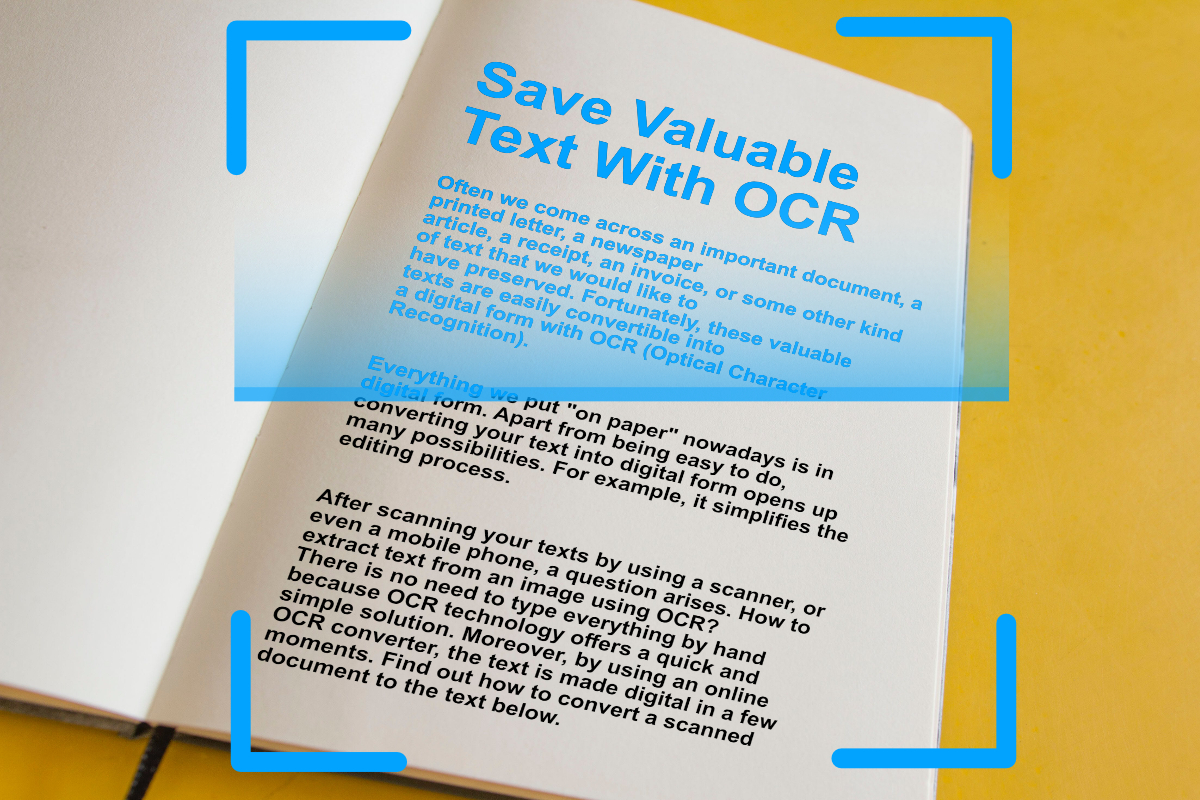
Digitize important text from scanned documents and images with OCR (Optical Character Recognition). Extract text from images easily, online.
Read articleEvery one of these runs in the browser, with the same text recognition behind it and nothing to install.